 evenkeel
Every voice, one pace.
A Chrome extension that adjusts YouTube playback speed so every speaker lands at the pace you choose. Music stays untouched.
Add to Chrome, FreeFree forever • No data collected • Open source
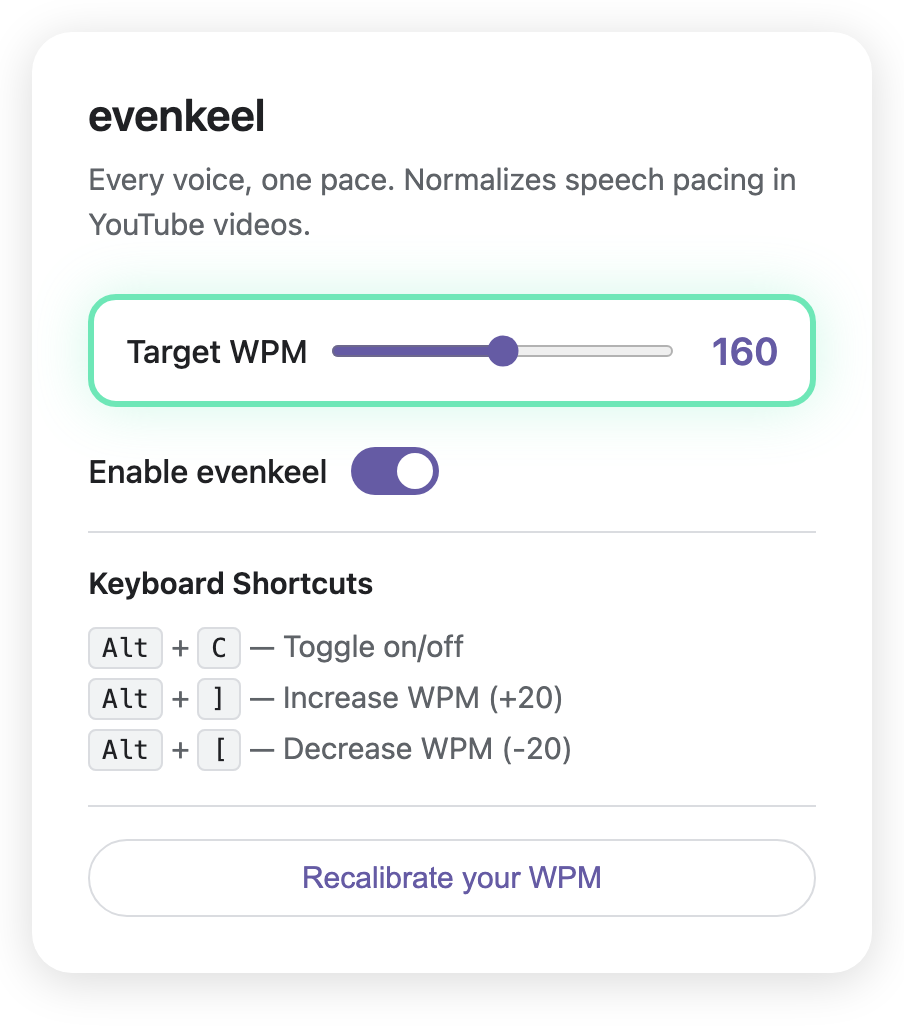
All of YouTube, one consistent pace.
Podcasters rush. Lecturers drag. EvenKeel listens for speech and adjusts playback speed so every video plays at the pace you picked.
How it works
Install from the Chrome Web Store
One click. No account, no sign-up, no permissions beyond YouTube.
Find your pace
EvenKeel plays you short audio clips side by side at different speeds. Pick whichever sounds more natural. Three quick rounds and it knows your target WPM.
Play any YouTube video
EvenKeel activates on YouTube automatically. It analyzes the audio to separate speech from music, frame by frame.
Every speaker, your pace
Speech plays at the speed you chose. Music and sound effects stay at 1x.
What EvenKeel does
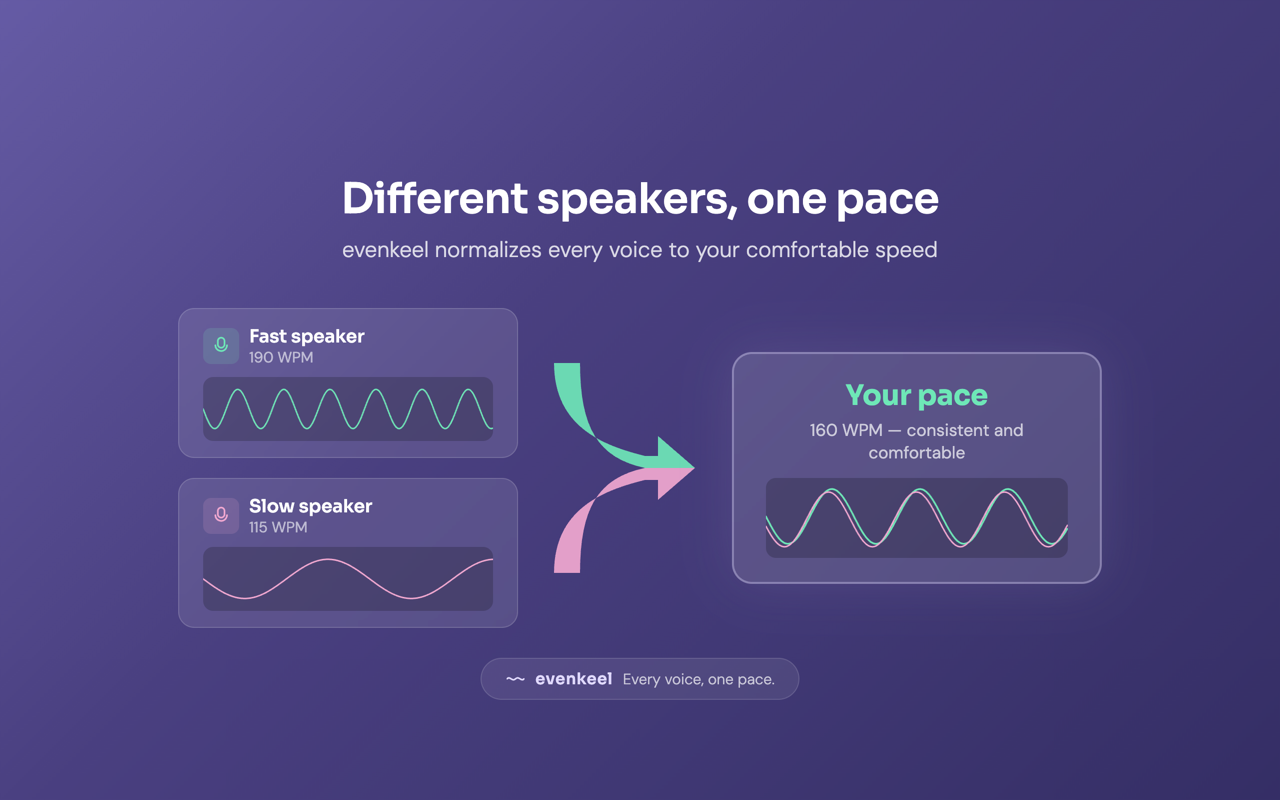
Speech pace, normalized.
EvenKeel detects when someone is talking and adjusts playback speed to match your target WPM. Speed changes are smooth, not choppy.
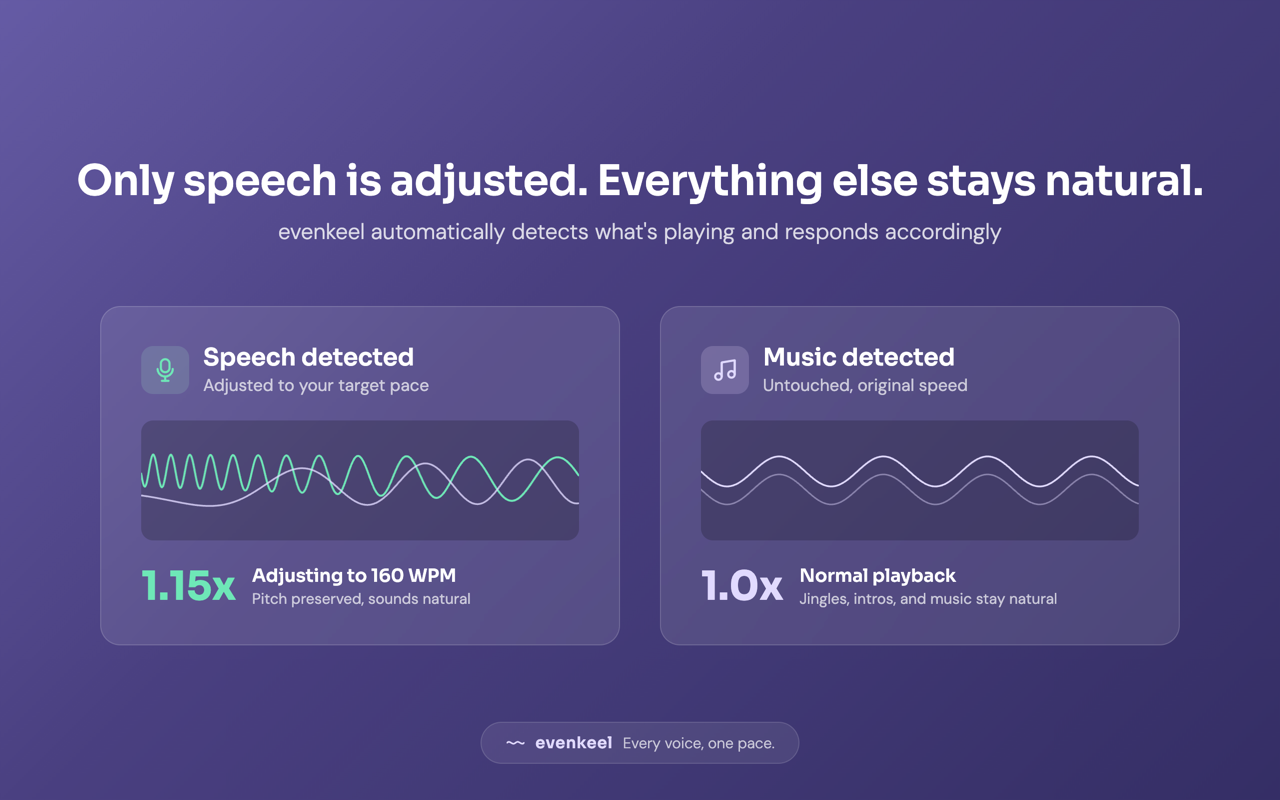
Music plays exactly as intended.
EvenKeel tells speech from music. When a song, intro jingle, or ambient audio plays, speed snaps back to 1x.
![Three keyboard shortcut cards: Alt+C to toggle, Alt+] to speed up, Alt+[ to slow down](images/ss-05-keyboard.png)
Fine-tune with a single keystroke.
Use Alt+[ and Alt+] to nudge your target speed up or down. EvenKeel remembers your setting across sessions.
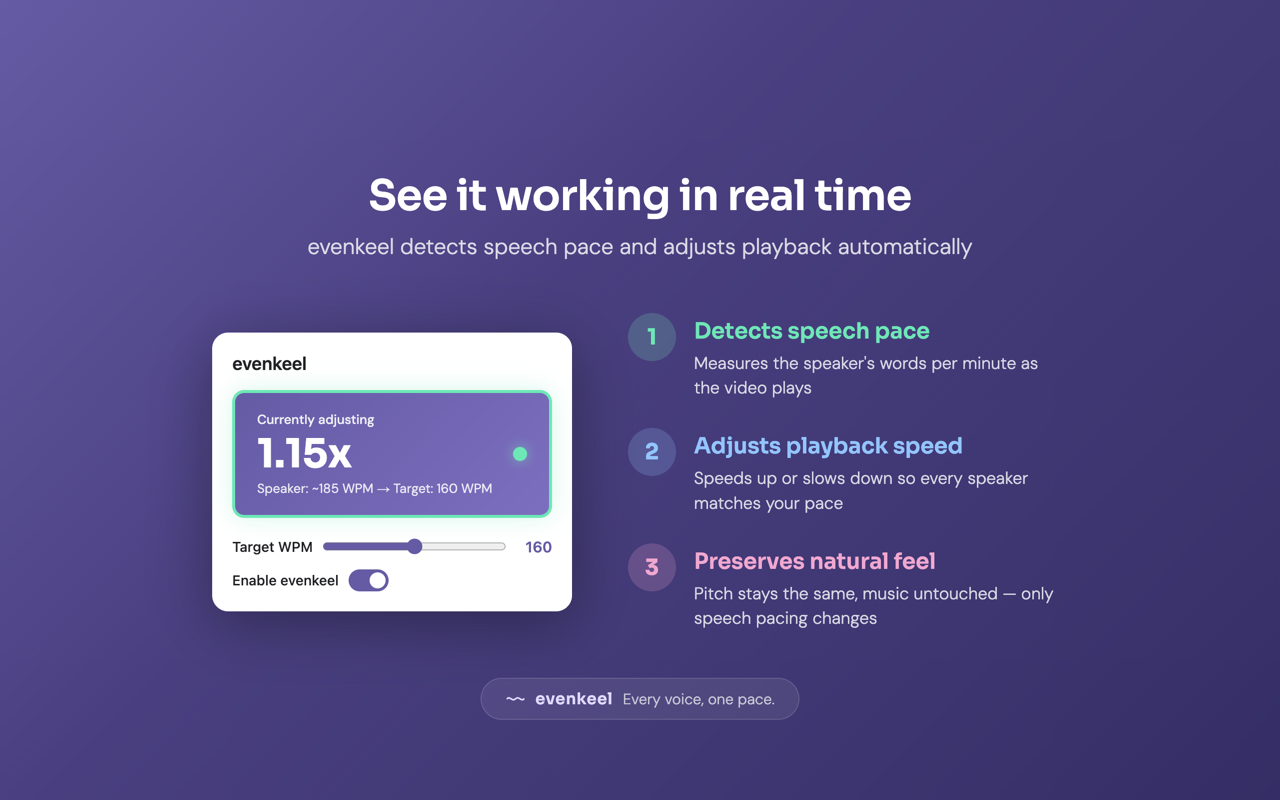
Every voice, one pace.
Add to Chrome, Free